 Contact
 Locations




We will be closed October 12, 2026.
All Regent Bank locations will be closed for Columbus Day.
 Agricultural Banking
 Cannabis Banking
 Healthcare Banking
 Hispanic Banking
 Non-Profit Banking
 Tech Banking

At Regent Bank, we take pride in being the foremost provider of community banking services. Our success is largely attributed to our exceptional team of staff members. If you're looking for a great opportunity to join a dynamic team, we invite you to consider a career with us.
Learn More
Treasury Services
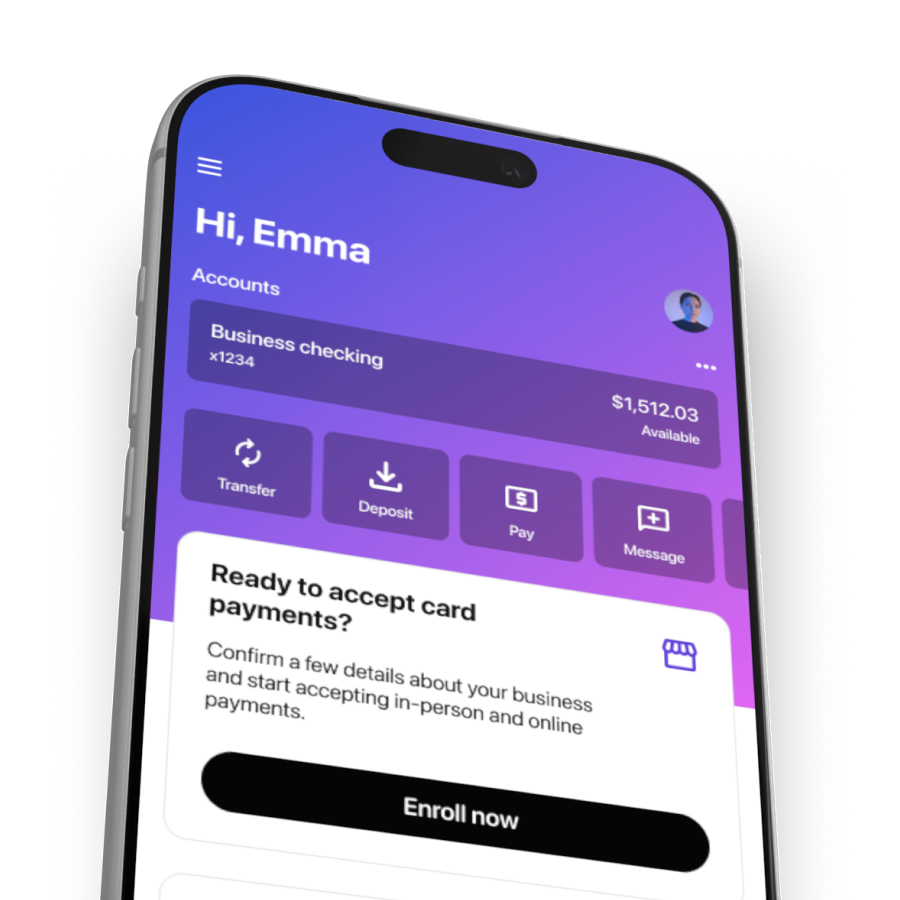
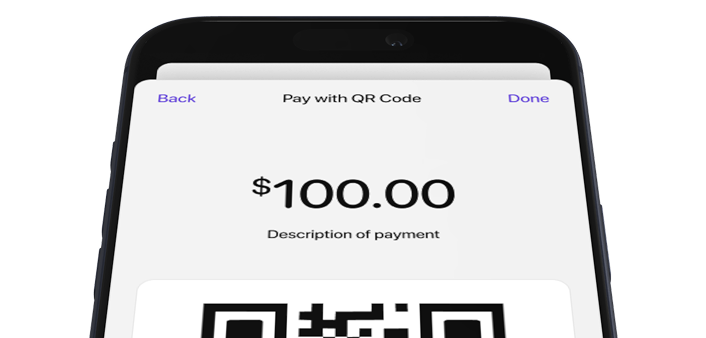
Tap2Local™ provides a secure, seamless way for business clients to accept payments in person or remotely. Built directly into the Regent Bank mobile app, it eliminates the need for additional hardware and offers flexible options—including tap-to-pay, payment links, and QR codes—to support the way today’s small and micro-businesses operate.
Payment Options at a Glance
Tap2Local™ is a mobile payment solution built into the Regent Bank mobile app. It allows small and micro-businesses to securely accept both in-person and remote payments from their phone.

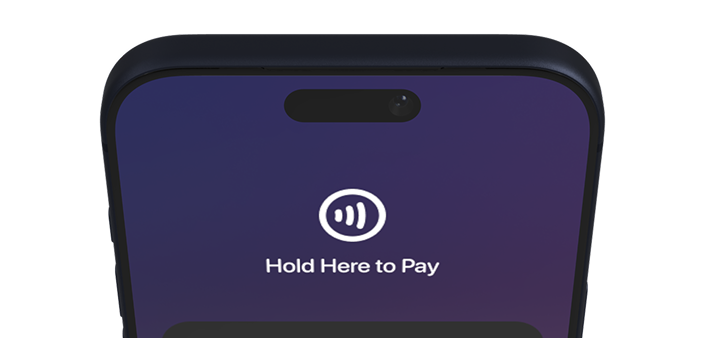
Customers tap their card or mobile wallet (Apple Pay™, Google Pay™) directly to your smartphone for quick, secure, in-person payments.

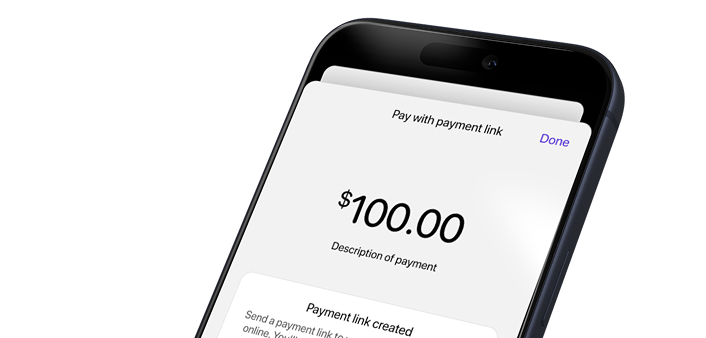
Send secure payment links to your customers so they can pay from anywhere, at any time—no in-person interaction required.

Display a scannable QR code on your device for fast, contactless checkout—ideal for pop-ups, booths, and point-of-sale setups.
Tap2Local™ Benefits
Tap2Local™ gives small and micro-businesses a simple, flexible way to accept payments anywhere. Built directly into the Regent Bank mobile app, it removes the need for extra hardware or complicated setup—so you can focus on your customers, not your tools.

No dongles, terminals, or card readers—your smartphone does it all.

Accept payments using the same secure app you already rely on.

Backed by trusted payment infrastructure through Jack Henry.

Ideal for startups, home services, pop-ups, vendors, and nonprofits.
Questions? We’ve Got Answers.
Tap2Local™ is designed to make accepting digital payments easy and accessible for small and micro-businesses. Explore these common questions to learn how the service works, what it costs, and how to get started with the tools that fit your business.
Regent Bank does not charge any fees to use Tap2Local™. All payment processing fees are set by Jack Henry when you enroll.
Often, yes. Jack Henry offers competitive, transparent processing rates that are frequently lower than Square® and other third-party payment tools.
Tap2Local™ is built for small and micro-businesses, mobile service providers, food trucks, vendors, farmers market booths, nonprofits, and side-hustle entrepreneurs.
Yes. An active Regent Bank business checking account is required to activate Tap2Local™.
You’ll need a compatible smartphone that supports Tap to Pay functionality. The Treasury Services team can confirm device compatibility during enrollment.
Yes. Tap2Local™ supports tap-to-pay for in-person transactions and offers payment links and QR codes for remote or contactless payments.
Absolutely. Tap2Local™ uses a secure, PCI-compliant payment infrastructure provided by Jack Henry to protect your transactions and customer data.
Complete the enrollment request form or contact the Treasury Services team. They’ll guide you through setup and device compatibility.
Contact Us
Every business has different needs. Let us know what you’re looking for and we’ll guide you through how Tap2Local™ can help.
Tap2Local™ is provided in partnership with Jack Henry. Fees, terms, and eligibility are subject to change. Payment processing fees are established by Jack Henry at the time of enrollment. Service requires an active Regent Bank business checking account and a compatible mobile device. Tap to Pay functionality may vary by device.
We’re Here When You Need Us!
You can always reach out to us through the following channels:
Customer Service
Social Media


Notice: You will be linking to another website not owned or operated by Regent Bank. Regent Bank is not responsible for the availability or content of this website and does not represent either the linked website or you, should you enter into a transaction. The inclusion of any hyperlink does not imply any endorsement, investigation, verification or monitoring by Regent Bank of any information in any hyperlinked site. We encourage you to review their privacy and security policies which may differ from Regent Bank.
If you “Proceed”, the link will open in a new window.
 Apply For a Mortgage
 Find the Nearest Branch
 Open an Account